
1/7 The background
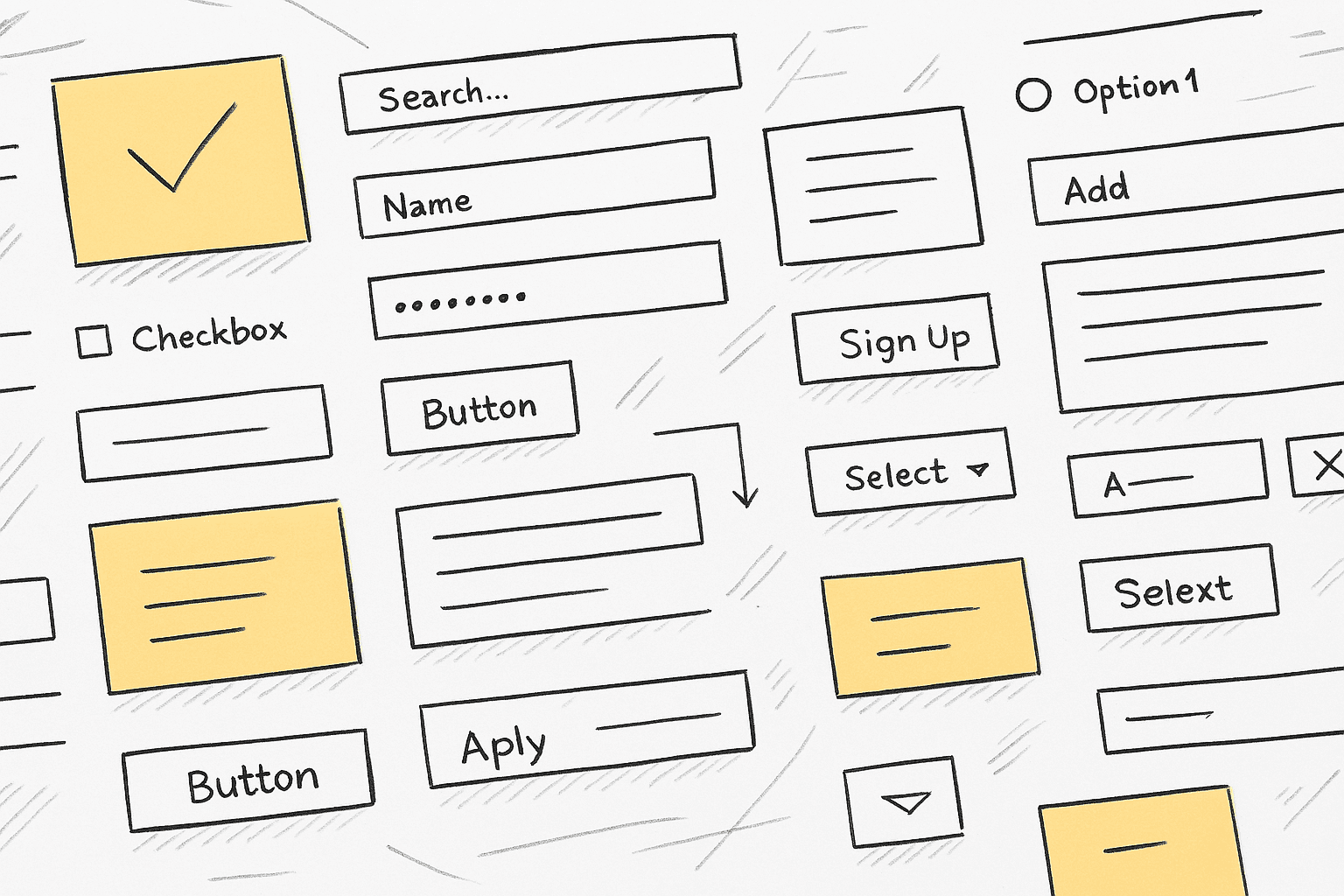
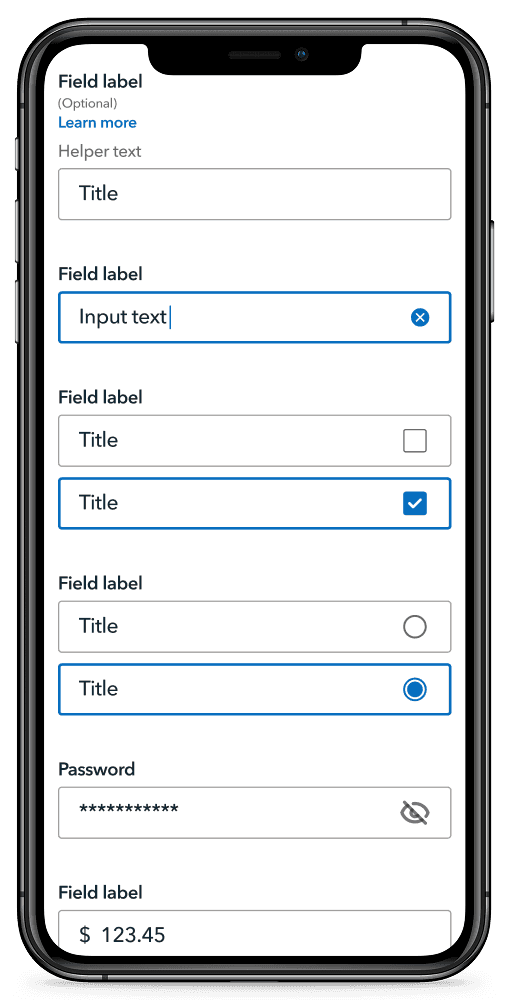
Collaborative creation of form elements for fintech design system
THE WHAT:
Collaboration between system designers and stakeholders to create native design system forms components.
User testing to refine and validate design decisions.
The business context:
Serving 13 million members with over 2 Billion views per year
USAA is a large operator within the Fintech space, employing almost 40,000 individuals, 250 of which support the Chief Design Office. USAA provides a range of financial services to 13 millions customers, primarily made up of members of the U.S. military and their families. These services include banking, insurance, investment and retirement solutions.
MY ROLE:
This initiative was completed by myself and closely collaborating with 2 other designers.
2/7 The problem / goal
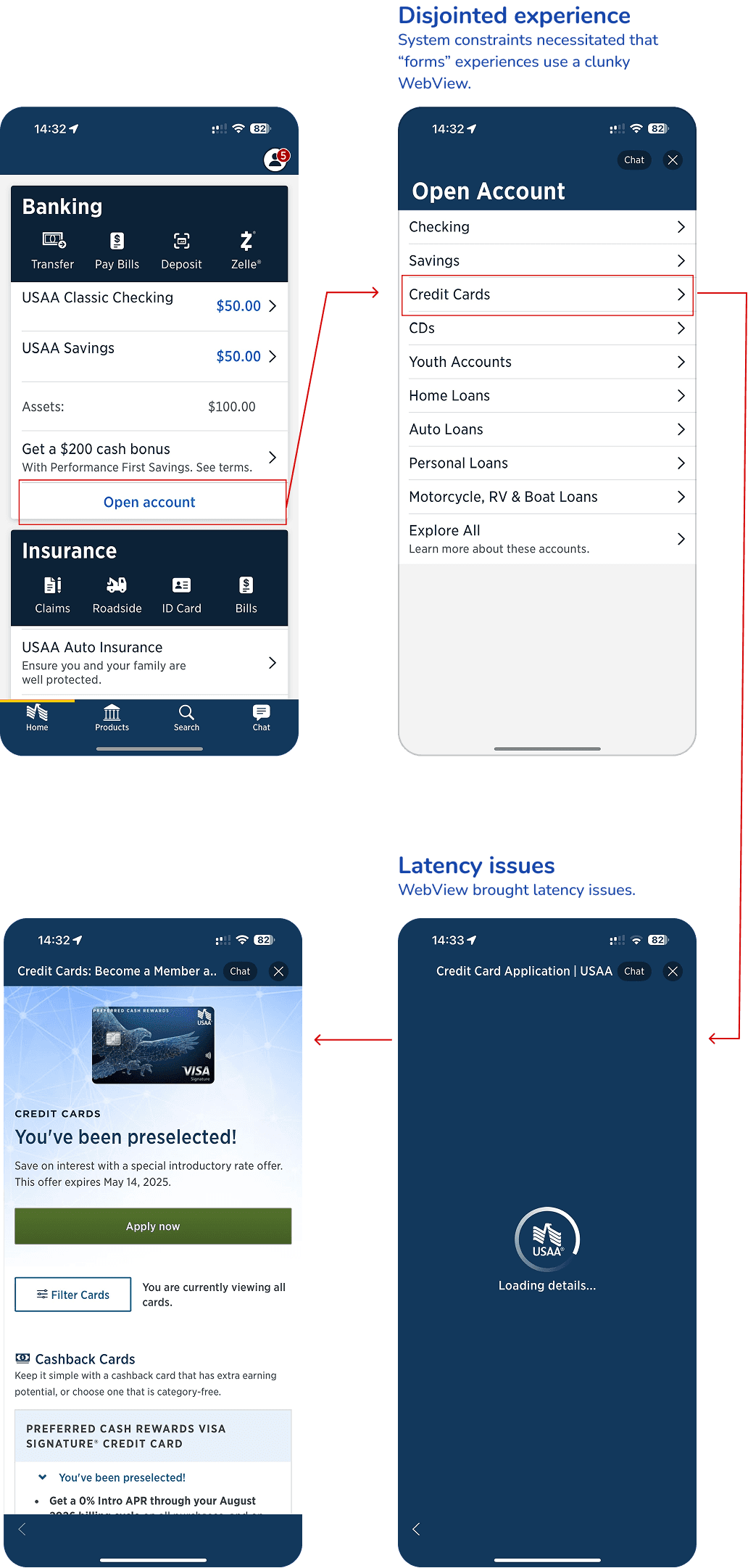
Teams relying on web views in a native environment led to suboptimal acquisition experiences.
THE BUSINESS PROBLEM:
With a push from business partners to take more experiences to native, teams expressed interest in enhanced native form components. The push was in accordance with business objectives to increase acquisition of new customers and deepen acquisition with current customers. It also came from a desire to remain current with mobile usage, and to look forward to younger generations preferring to accomplish most tasks on their mobile phones.
USABILITY ISSUES
A lack of consistency between web forms and native forms
Disjointed experience due to forms experiences requiring WebView
WebView experiences had high latency issues
THE EXPERIENCES:
Holistically looking at the current form elements we observed that teams had been relying on using web views to create experiences. This can cause a disjointed experience for users as web and native elements do not necessarily offer unity. Also, accessibility partners expressed concerns with certain native form elements that provide suboptimal experiences for non-sighted users as well as those with motor disabilities.
THE GOAL:
Create best in class native form components, enabling teams to provide first rate acquisition flows in our app environment.

— Albert Einstein
3/7 understanding the landscape
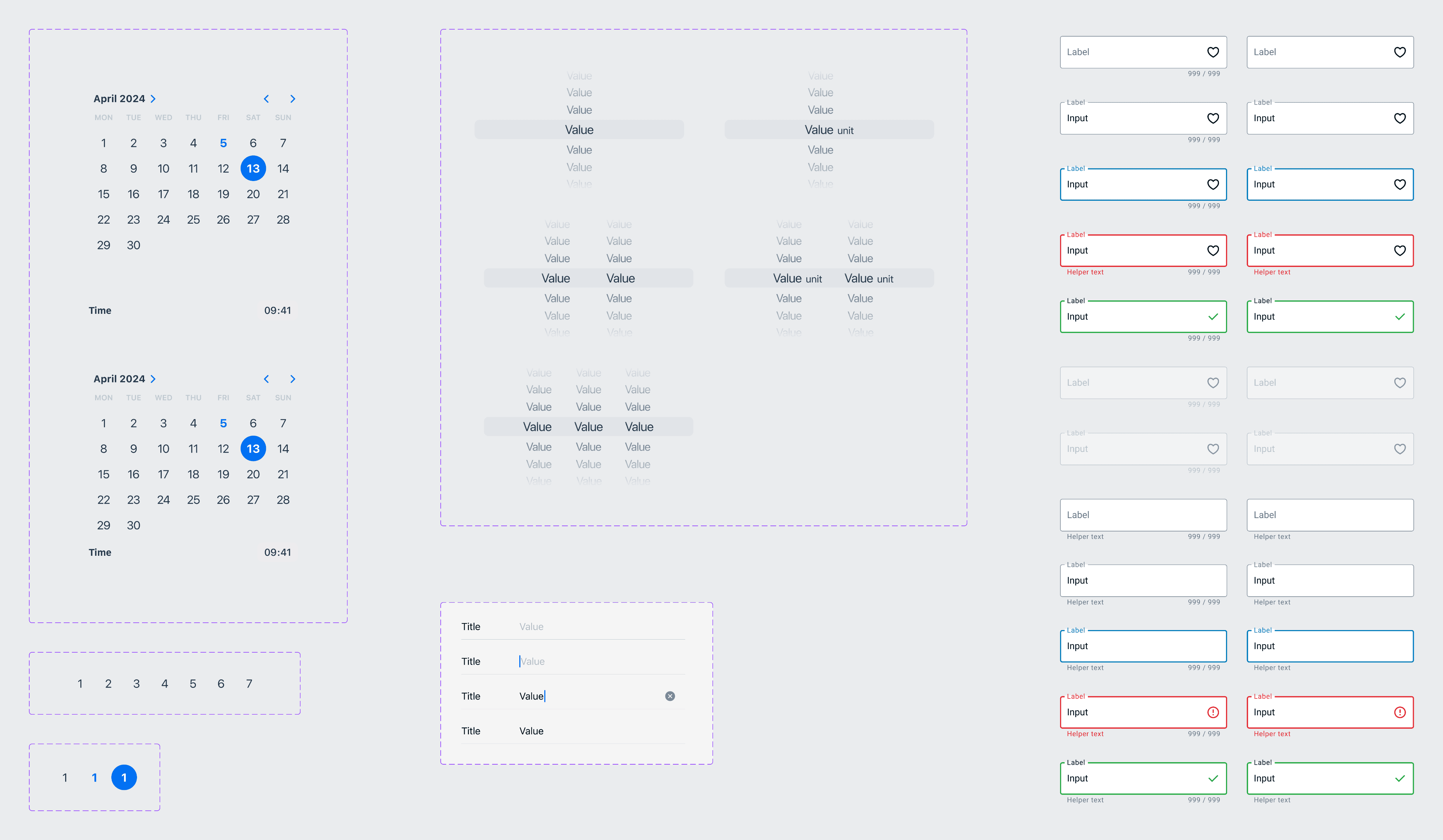
Analyzing competitors & design systems to understand best practices
COMPETITIVE ANALYSIS:
A competitive analysis of 15 direct and indirect financial competitors was conducted to identify design trends, user experience best practices, and potential gaps in the market. By benchmarking against industry leaders, we were able to establish key differentiators and inform the strategic direction of our design system.
DESIGN SYSTEM ANALYSIS:
An in-depth analysis of leading design systems was conducted to examine the construction and implementation of form elements. This research focused on understanding component structure, interaction patterns, and accessibility standards within these systems to inform the development of our own design system.
BEST PRACTICES:
It was important to understand general best practices in regards to forms, so an in-depth analysis of available materials was conducted from experts such as the Nielsen Norman Group.
4/7 ideation
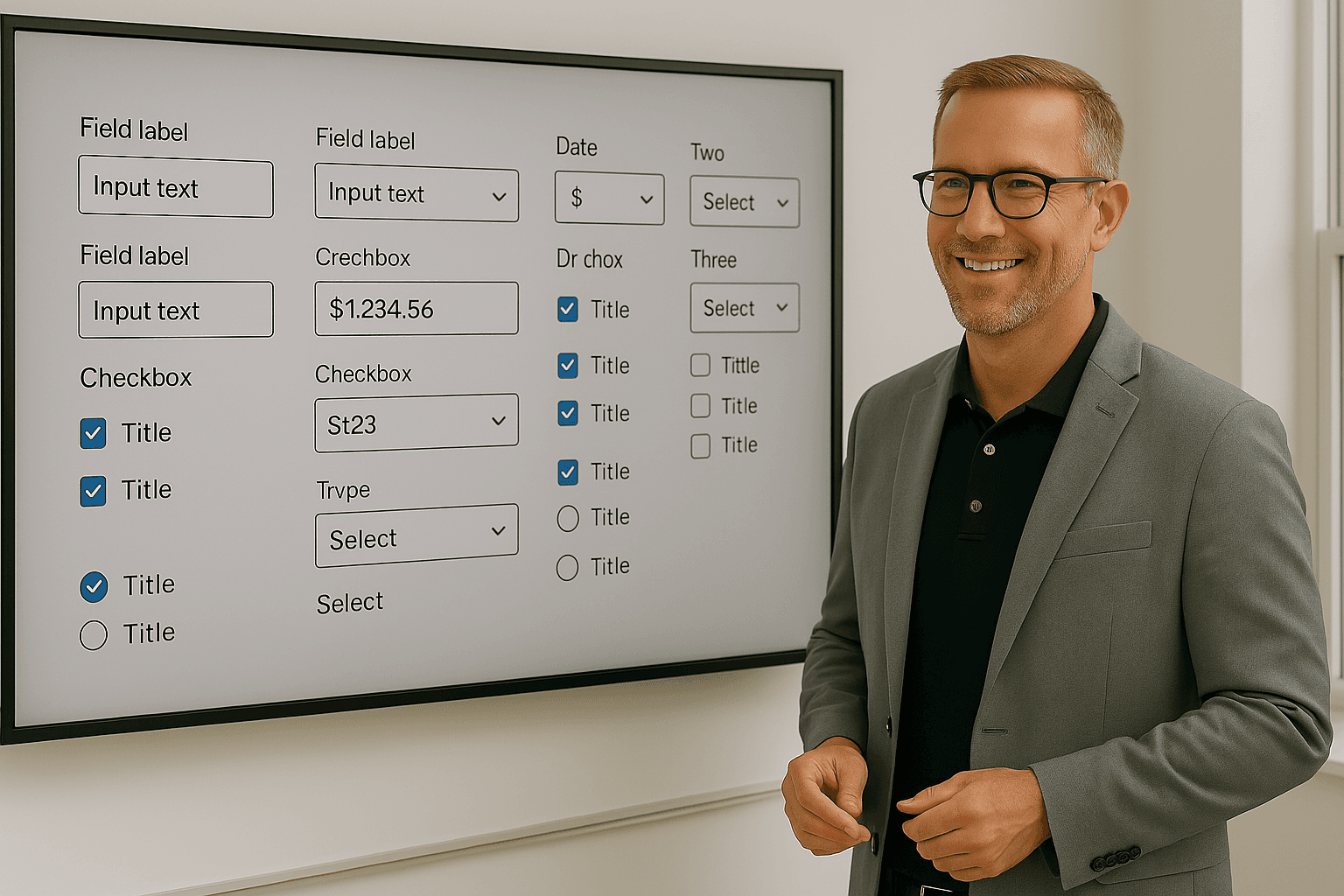
Diverging from current forms structures to discover ideal inputs.
EXPLORATION:
To explore a wide range of design possibilities, we created numerous mockups in various styles. This exploration phase allowed us to experiment with different layouts, interactions, and visual treatments for various form field types.
DESIGN:
To discover ideal form experiences, we intentionally ignored current internal form structures. We did not want the initial constraint of aligning to conventions if other conventions proved to be more usable. All three designers worked separately so as not to be influenced by one another, coming together to show and critique work at various touch points.

― Ben Bernanke
5/7 collaboration
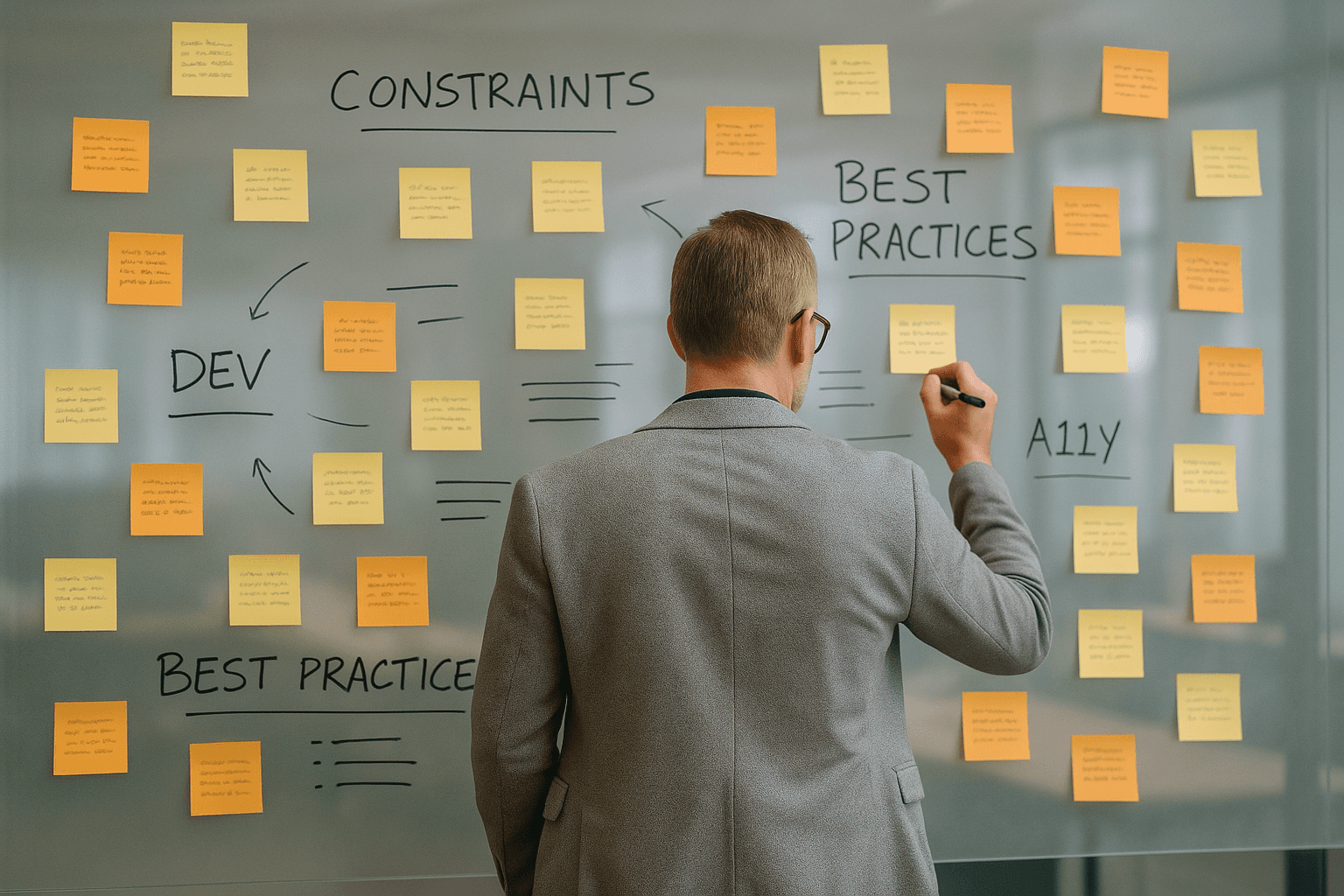
Collaborating with dev and a11y stakeholders to understand constraints and best practices.
DEV:
It was important as part of this exploration to include devs. We wanted to understand native limitations and constraints, as well as understand projections estimates on custom form fields. Being good stewards of resources can have a dramatic effect on the bottom line and on future efforts.
A11y:
Also essential to this process was to include accessibility partners. Being a military organization, a11y is of great importance and we wanted to create experiences for members that are equal for all members, regardless of disability.
6/7 Testing
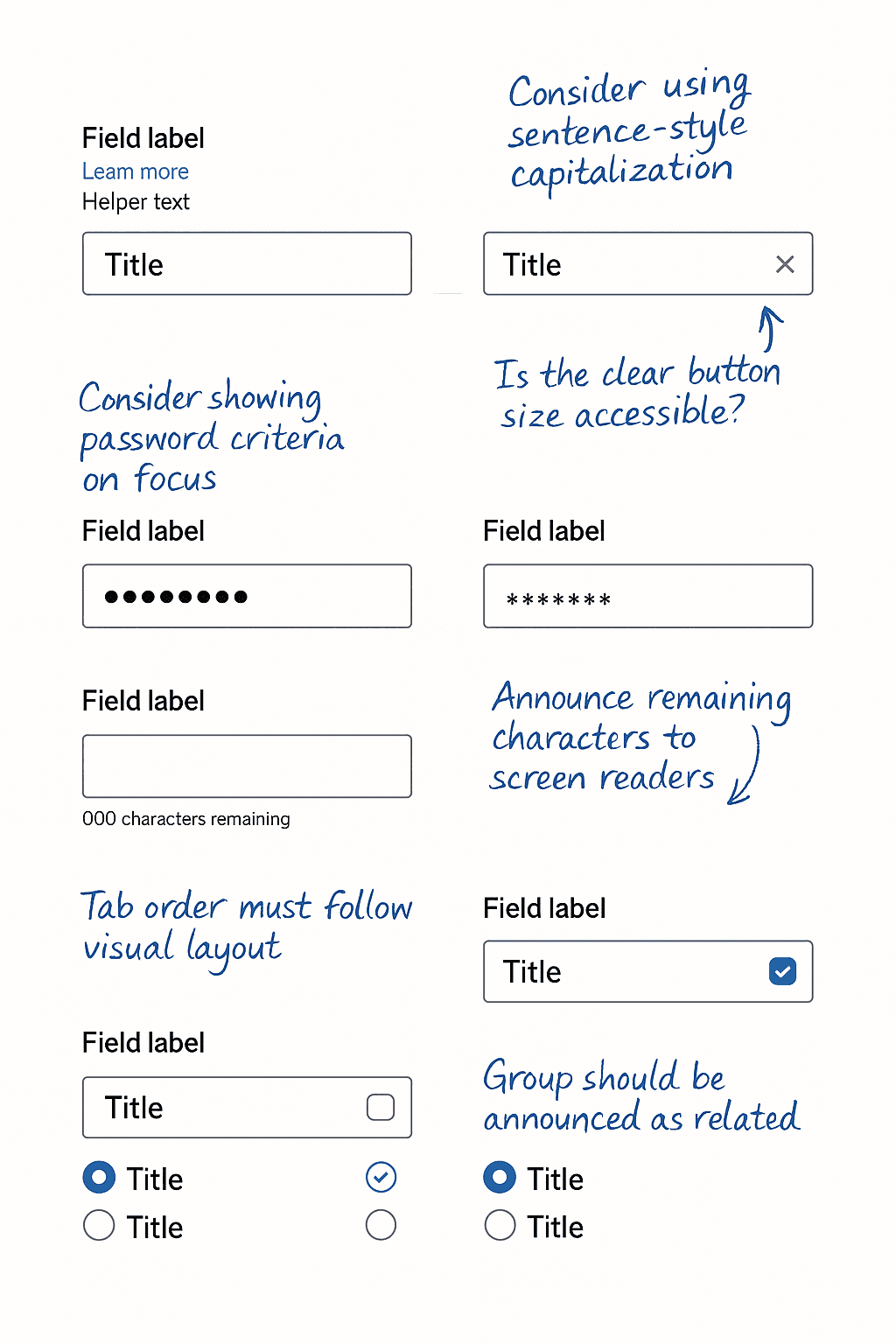
Conducting moderated usability testing to pinpoint ideal inputs.
Creating Coded Prototypes:
It was important to create realistic prototypes so that participants could complete tasks in a real-world setting. For this reason, we decided to create coded prototypes, rather than relying on a design tool. This allowed participants to input real data into form fields, providing a richer set of test data.
Usability Testing:
Conducting usability testing on native mobile environments presented unique challenges. To capture comprehensive user behavior, we employed a live testing setup with video recording of both touch interactions and on-screen visuals. Over two testing sessions within a four-week period, we encountered participant recruitment issues that impacted the overall sample quality, necessitating additional testing rounds.
Refinement:
Leveraging insights from usability testing, we optimized high-performing form components and integrated them into the Reveille design system. To enhance design flexibility and consistency across platforms, new elements such as tile selections, dropdown menus, and traditional radio buttons were introduced. While departing from standard iOS patterns, this approach fosters a more unified user experience. This is only the tip of the iceberg. Many more elements were created in this comprehensive overhaul. Usage guidelines for these components were thoroughly documented within the ZeroHeight design system platform.
Integration:
Because our prototypes were creating using coded elements, the lift to the design system was slightly less. The prototypes were not created with all “states,” so including this was essential in creating live elements. We worked closely with devs to create each of the necessary and decided upon components.

— Zora Neale Hurston
7/7 impact
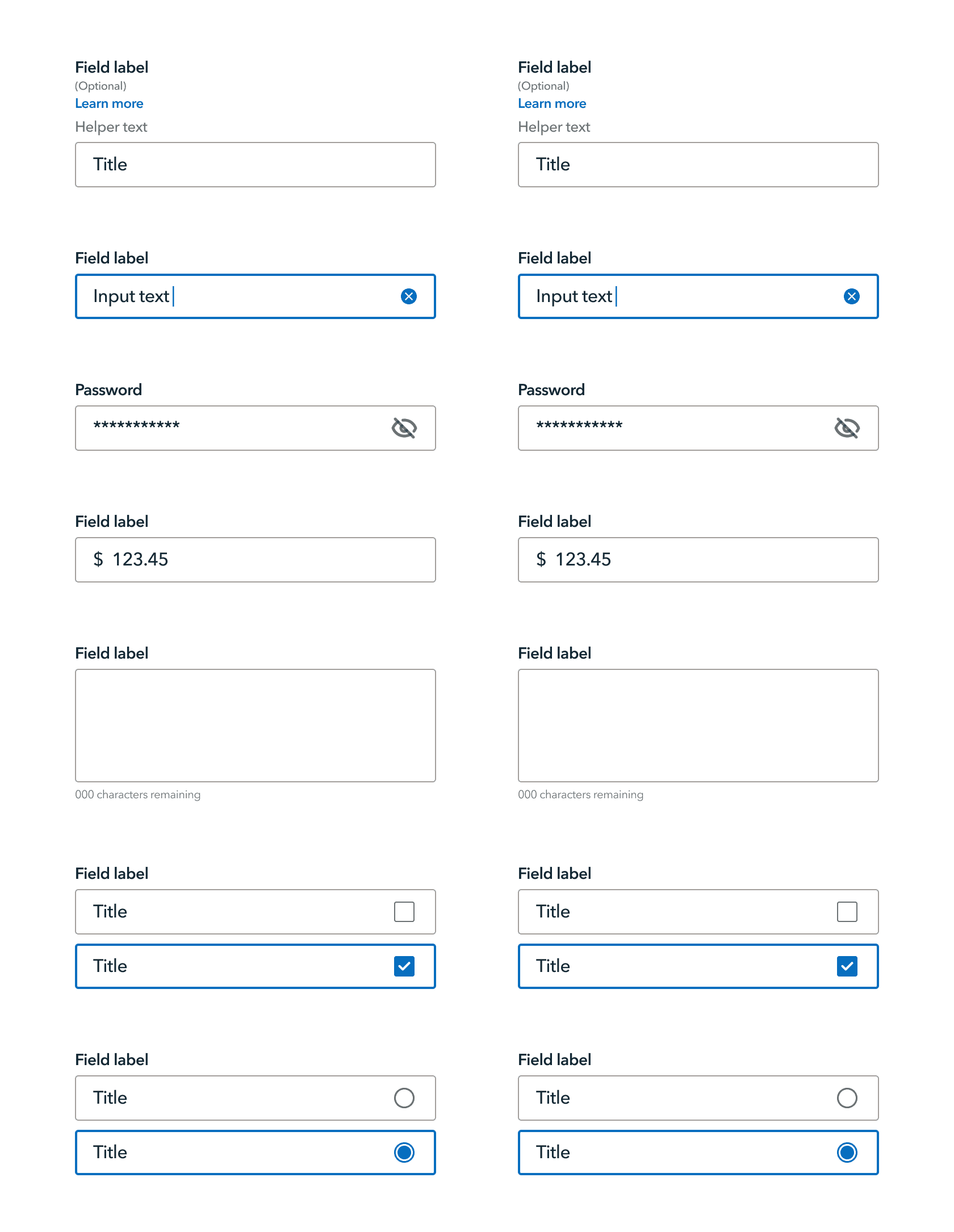
Empowering design teams to create user-centric form experiences.
Outcome:
Enhanced Design Consistency: The new forms library ensures a consistent and user-friendly experience across all financial applications built with Reveille.
Improved Design Efficiency: Designers now have a comprehensive set of pre-built, well-documented forms components readily available, saving time and resources.
Streamlined Development Workflow: Developers can now quickly implement high-quality forms components with minimal coding effort.
Impact:
22% reduced time on task for form experience
27% increase in design efficiency
13% reduction in development time for forms experiences
The newly established forms library within Reveille empowers designers and developers to create user-centric and efficient forms for all financial applications. This not only enhances the user experience by reducing form completion time by an average of 22% but also streamlines the overall design and development process, resulting in a 27% increase in design efficiency and a 13% reduction in development time.