
1/4 The background
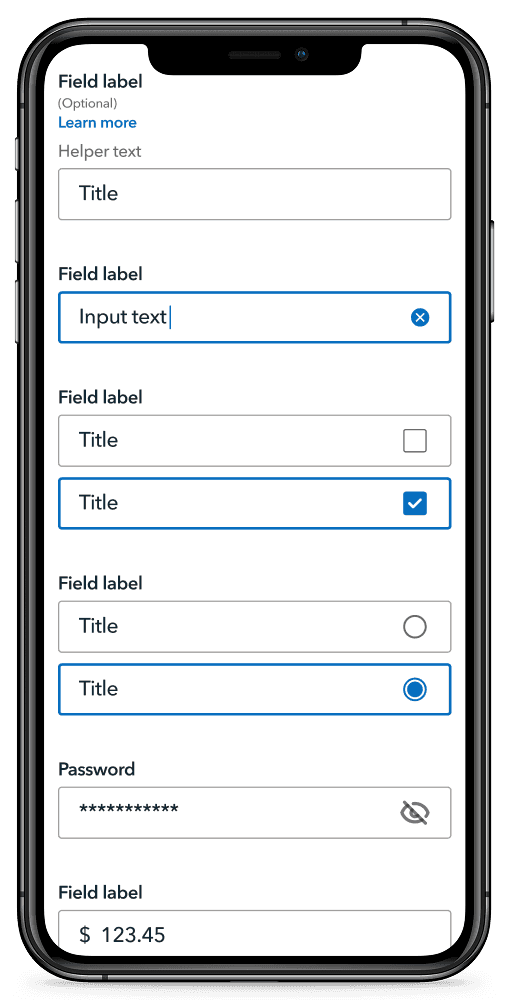
Creating native form design system components to support acquisition flows.
MY ROLE:
UX Designer (1 of 3 core contributors)
OVERVIEW:
Collaboration between system designers and stakeholders to create native design system forms components.
User testing to refine and validate design decisions.
BUSINESS CHALLENGE:
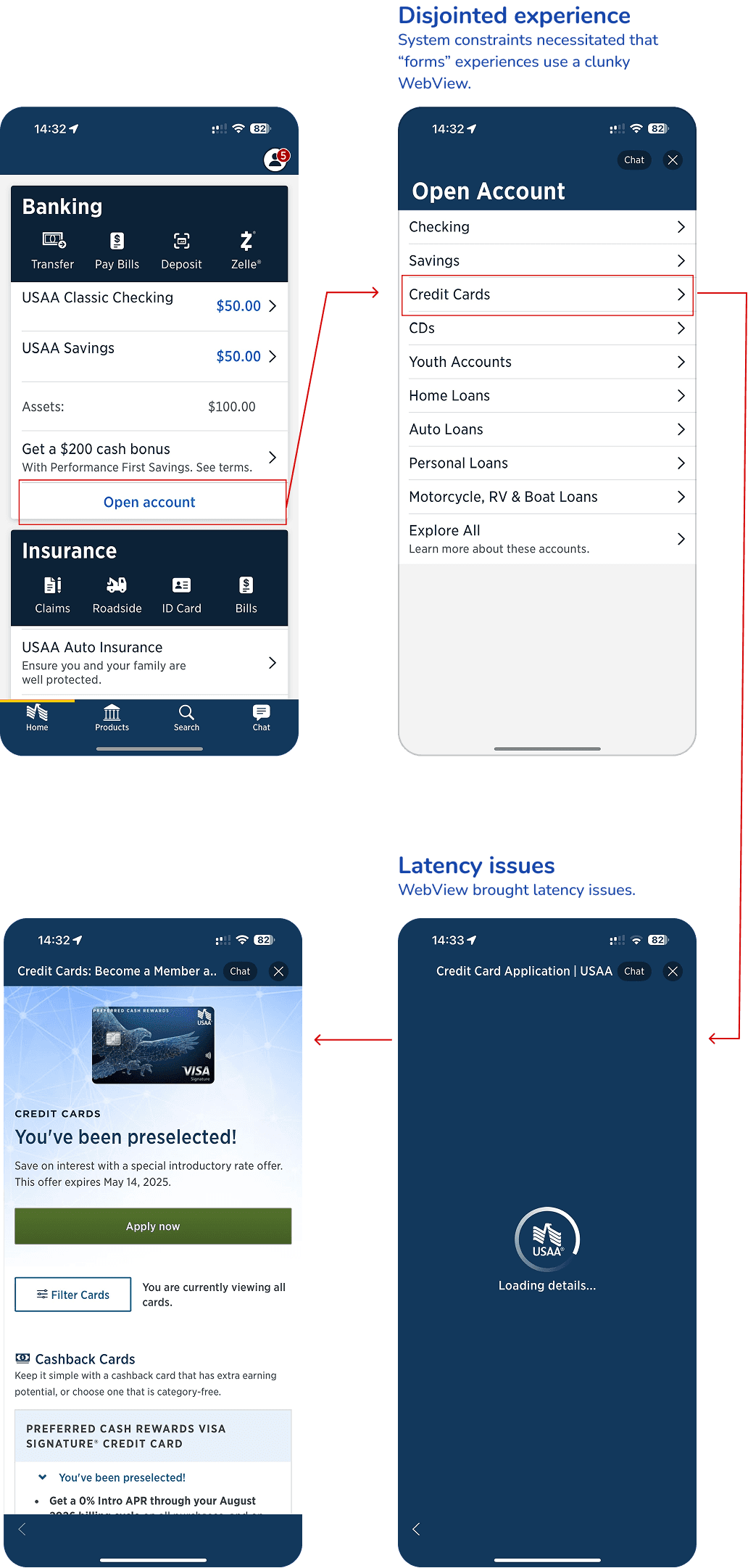
Many mobile teams relied on embedded web views for forms—leading to fragmented UX, accessibility concerns, and higher maintenance overhead. This work was also driven by business goals to increase customer acquisition and deepen engagement, especially among younger users who expect seamless native app experiences.
Goal:
Create high-performing, accessible native form components that enable consistent, user-friendly acquisition flows across all mobile financial products.
2/4 The approach
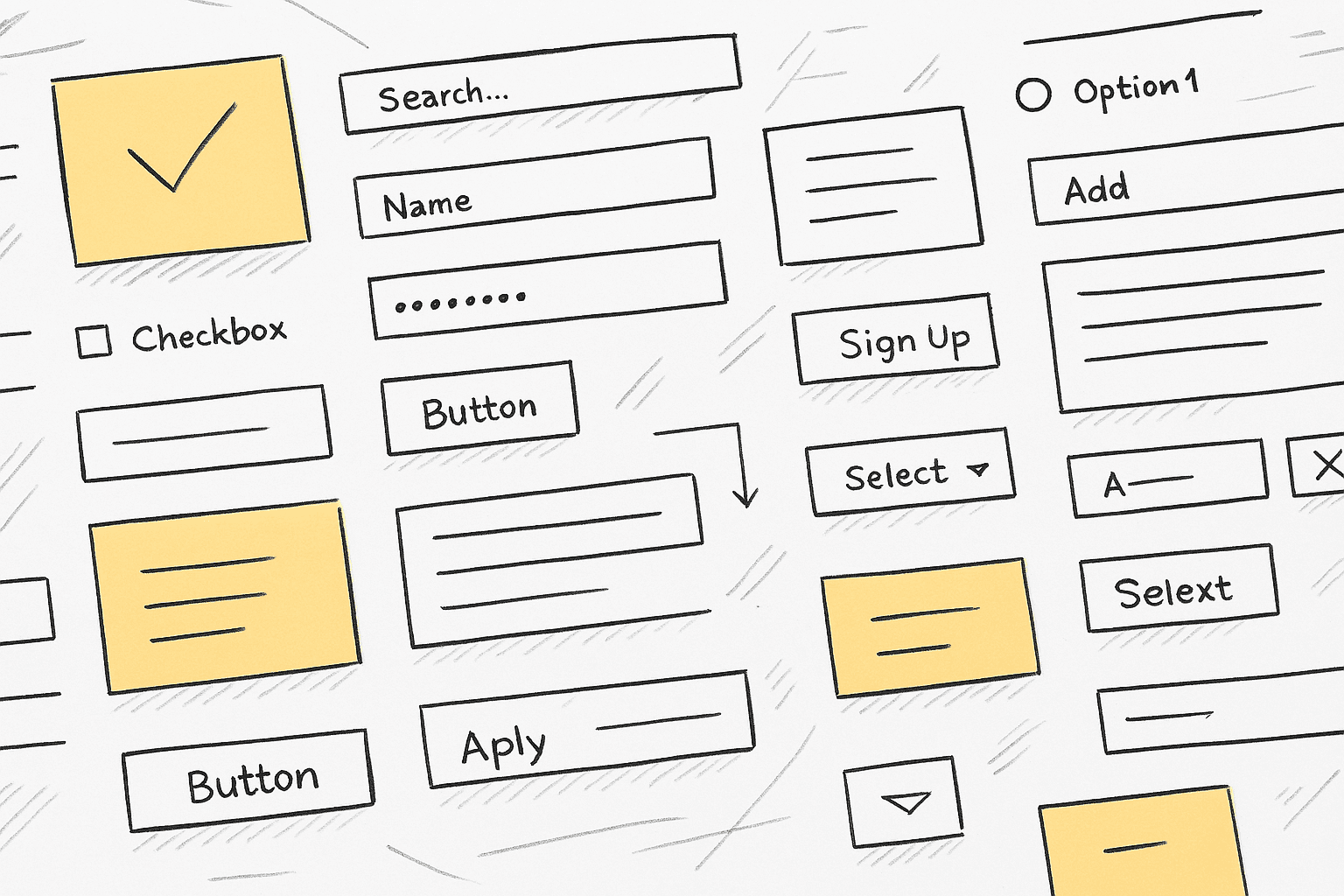
Combining research, exploration, and cross-functional collaboration to create accessible, scalable native form components.
DESIGN OBJECTIVES
Identify gaps in current form experiences
Explore best-in-class native input patterns
Ensure cross-platform consistency
Prioritize accessibility from the ground up
Collaborate with devs to scope build effort and reduce technical lift
METHOLOGIES:
Inventory of existing forms across products
Competitive Analysis (15 fintech competitors)
Accessibility Collaboration
Best Practices Review (e.g., Nielsen Norman Group)
Independent Concept Exploration
Moderated Usability Testing with Coded Prototypes
Integration with Dev & Design System Documentation
3/4 what we learned
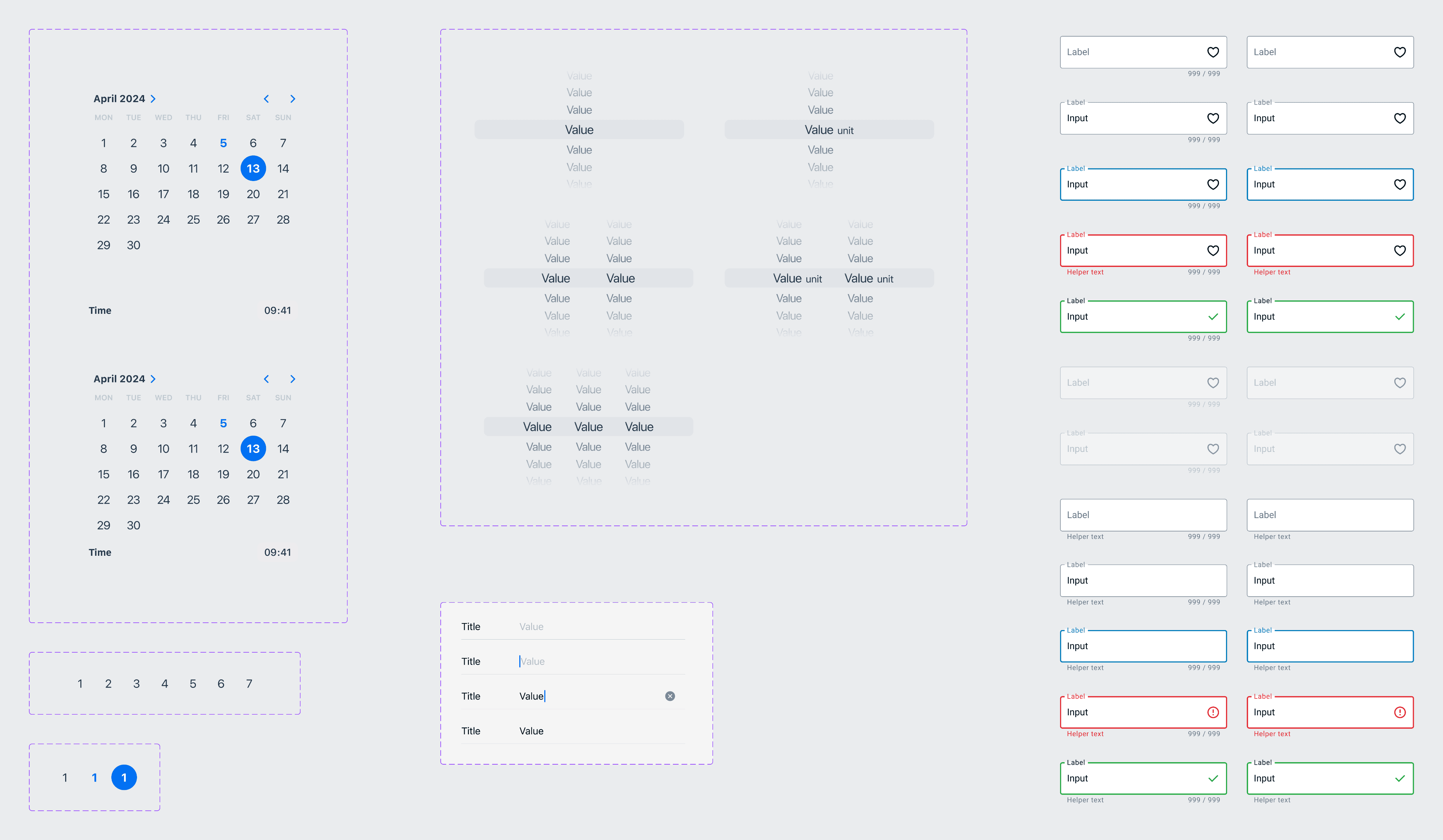
Surfacing actionable insights and clear next steps through user testing, independent exploration, and close cross-functional alignment.
KEY INSIGHTS:
🔹 Web Views Hurt Experience
Form flows built with web views felt disconnected and often failed accessibility checks, especially for users with motor or visual impairments.
🔹 iOS List Row Caused Issues
Although a typical iOS pattern, this form field caused findability and touch target issues for participants.
🔹 Dev & A11y Collaboration Was Critical
Engaging developers early helped us avoid infeasible patterns and minimize build complexity. Accessibility partners ensured inclusive inputs at every step.
🔹 Coded Prototypes Boosted Realism in Testing
Participants entered real data, which surfaced issues that static mockups would have missed—especially around input behavior and interaction timing.
PATH FORWARD:
✅ Introduce new native components such as drop-downs, tile selectors, and enhanced radio buttons
✅ Prioritize cross-platform consistency—even if it means deviating from strict OS patterns
✅ Fully document component use and states in ZeroHeight
✅ Use coded prototypes during design validation to streamline integration
4/4 outcomes
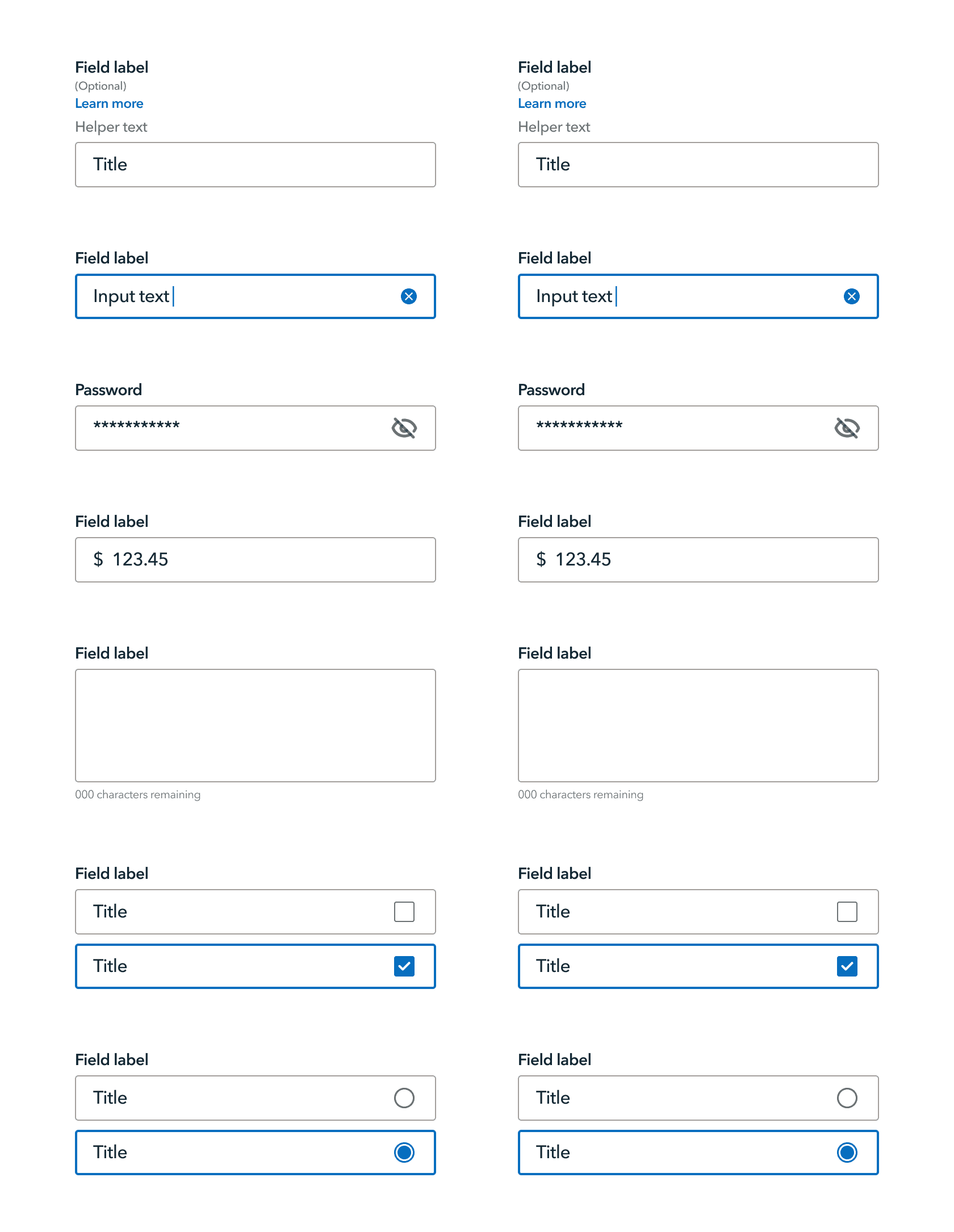
Delivering measurable improvement to user experience, team efficiency, and system scalability.
THE NUMBERS:
22% reduction in average form completion time
27% increase in design efficiency
13% reduction in development time
A fully integrated, well-documented forms library within Reveille—built to support acquisition, improve usability, and scale across mobile teams
WHY IT MATTERS:
This work strengthened a core part of the mobile product experience—enabling more intuitive, accessible, and efficient user flows. It also reinforced the value of cross-functional collaboration and established reusable practices for system expansion going forward.